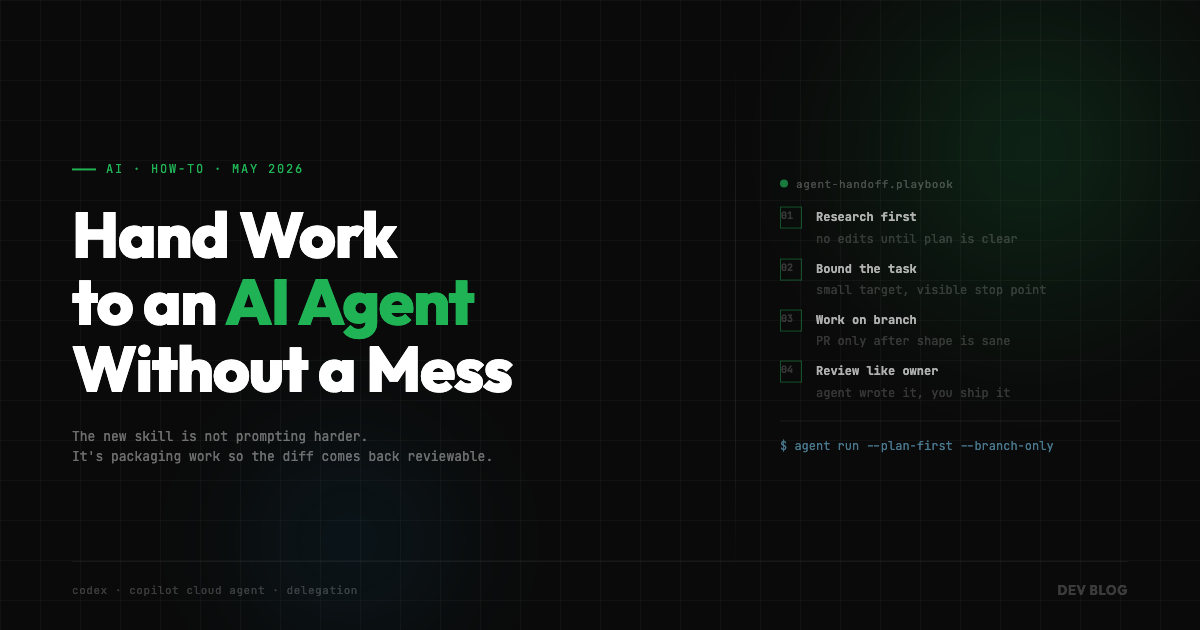
How to Hand Work to an AI Coding Agent Without Creating a Mess
Coding agents escaped the IDE.
You can now start work from your phone, steer it from GitHub, monitor it from a mobile app, hand it tasks through an API, and come back to a finished branch. OpenAI added Codex remote access to the ChatGPT mobile app. GitHub Mobile can run Copilot cloud agent sessions. GitHub now has an Agent tasks REST API. Copilot cloud agent can research, plan, code, and open pull requests.
This is either incredible leverage or a very efficient way to create code nobody understands.
Probably both.
The important shift is that AI coding is no longer just “autocomplete but bigger.” It’s becoming delegated work. You are no longer asking a model to write a function while you watch. You are handing a task to an agent, letting it operate in an environment, and reviewing the result later.
That sounds small until you realize it changes the whole workflow.
The skill is not “how do I prompt this thing to write code?”
The skill is “how do I package work so the agent can do something useful without making a mess?”
Start Smaller Than Your Ego Wants
The easiest way to get bad results from a coding agent is to hand it a task that is secretly five tasks wearing a trench coat.
“Improve the dashboard.”
“Clean up auth.”
“Refactor the flow builder.”
“Make this faster.”
These are not tasks. These are wishes.
Agents are much better when the work has edges. Fix this bug. Add this missing test coverage. Migrate this component from one hook to another. Update this API call and all direct consumers. Investigate why this CI shard is flaky. Add empty state handling to these three screens.
A good agent task has a clear start, a clear stop, and a diff you can review without needing a second coffee and an apology.
This matters more now because agents can run longer. GitHub’s Copilot cloud agent can work in the background, create branches, generate plans, and open PRs. Codex mobile lets you keep a task moving while you’re away from your desk. That sounds like a reason to hand agents bigger work.
I think it’s the opposite.
The more autonomous the agent gets, the more bounded the task should be.
If I am sitting next to an agent in my editor, I can interrupt it when it starts drifting. If it is running remotely while I am checking my phone between meetings, the task needs rails.
Small task. Clear target. Reviewable diff.
Boring. Effective. Annoyingly hard to market.
Research First, Code Later
The best new agent workflow is not “write code.”
It’s “go understand the problem and come back with a plan.”
GitHub explicitly moved Copilot cloud agent in this direction. It can now research a codebase, generate an implementation plan, and work on a branch before opening a pull request. That’s the right default.
The first prompt should usually be something like:
Inspect the codebase and produce an implementation plan.
Do not edit files yet.

Include:
- files likely touched
- existing patterns to follow
- risks or edge cases
- tests to run
- open questions
That one line, “Do not edit files yet,” does a lot of work.
It forces the agent into reading mode. It gives you a chance to catch a bad assumption before it becomes 900 lines of plausible nonsense. It also tells you whether the agent found the right part of the codebase.
This is the step people skip because it feels slower.
It isn’t.
Letting an agent write the wrong solution quickly is not speed. It’s deferred cleanup.
A good plan phase gives you leverage because you can correct direction early. “Use the existing hook.” “Don’t touch that shared component.” “This needs to preserve backwards compatibility.” “That test is flaky, run this one instead.” “No new abstraction.”
That’s the real collaboration loop.
Not prompt, pray, diff.
Research, plan, correct, execute.
Make the Handoff Explicit
When you hand work to an agent, the prompt should look less like a Slack message and more like a tiny issue.
Not because agents love bureaucracy. Because ambiguity is where they invent things.
Bad:
Can you fix the settings bug?Better:
Fix the settings page bug where saving notification preferences resets the theme selection.

Expected behavior:
- saving notification preferences should only update notification preferences
- theme selection should remain unchanged
- existing settings save behavior should keep working

Constraints:
- follow existing settings API patterns
- do not introduce a new state library
- keep changes scoped to settings page and related tests

Before editing:
- inspect current settings save flow
- identify root cause
- propose plan

After editing:
- run relevant unit tests
- explain what changed and why
This is not about being fancy. It’s about giving the agent enough shape that it doesn’t have to hallucinate your intent.
The best prompts include five things:
- What is broken or needed
- What “done” means
- What not to change
- What to inspect before editing
- How to verify the work
That’s it. You don’t need a 40-line ritual. You need a clear contract.
Use Branches Before PRs
One of the more useful changes in GitHub’s cloud agent workflow is that the agent can work on a branch without immediately opening a pull request.
That is the right mental model.
A branch is a workbench. A PR is a claim.
The branch says: “Here is a possible implementation.”
The PR says: “This is ready for review.”
Those are not the same thing.
When agents open PRs too early, teams start treating half-baked output as reviewable work. Then reviewers either waste time reviewing something that is still in exploration mode, or worse, rubber-stamp it because the CI is green and the diff looks professional.
Agent code often looks more finished than it is.
That’s the trap.
Let the agent work on a branch. Review the diff yourself. Ask it to revise. Ask it to remove unnecessary abstractions. Ask it to add missing tests. Ask it to explain why it touched a file. Open the PR when the shape is right.
This keeps the human judgment where it belongs: before the work enters the team’s review queue.
Pick the Cheap Model on Purpose
GitHub just added faster, cheaper model options for Copilot cloud agent tasks, including GPT-5.4-mini and Claude Haiku 4.5 at lower multipliers. That’s a small product update with a bigger lesson hiding inside it.
Not every task deserves the biggest model.
If the job is mechanical, use the cheaper model. Rename a prop. Add missing test cases. Update docs. Apply the same migration across a few files. Fix a straightforward lint issue. These are not “bring out the frontier model” moments.
Save the expensive model for ambiguity: architecture, debugging, unfamiliar code paths, tricky refactors, security-sensitive changes, weird test failures.
This is going to become a real engineering habit. Agent cost used to be abstract enough that people ignored it. Now that agents can run in the background, fan out across repos, and be started by API, cost becomes part of workflow design.
The question is not “which model is best?”
The question is “what is the cheapest model that can do this safely?”
That’s less exciting. It is also how adults operate systems.
Review Like Your Name Is on It
Because it is.
This is the part that doesn’t change no matter how good the agents get. If the code ships under your team, your repo, your product, your users, then “the agent wrote it” is not an excuse. It’s trivia.
Review agent output harder than you review human output in some areas.
Not because agents are always worse. Because they fail differently.
They are very good at producing code that looks consistent at a glance. They can follow local style, name things well, and write tests that appear sensible. The problems are usually quieter.
A new abstraction nobody asked for.
A changed edge case hidden in a helper.
A test that asserts the implementation instead of the behavior.
A security-sensitive path treated like ordinary plumbing.
A retry loop where failure should be loud.
A broad catch block that makes the demo pass and production debugging worse.
So the review checklist has to be different:
- Can I explain the diff without rereading it five times?
- Did it follow existing patterns or invent new ones?
- Are tests proving behavior or just covering lines?
- Did it touch security, auth, billing, permissions, data deletion, or migrations?
- Did it change public contracts?
- Could I debug this in production?
If the answer is no, the work is not done. It is generated.
Generated is not shipped.
Use Mobile for Steering, Not Reviewing
Codex in the ChatGPT mobile app is genuinely interesting. Same with GitHub Mobile support for cloud agent sessions. Being able to answer agent questions, redirect work, approve a plan, or check progress from your phone is useful.
But I would be careful about where that stops.
Mobile is good for steering.
It is bad for deep review.
Reading a diff on a phone is fine when the change is tiny. It is terrible when the agent touched 14 files, modified shared behavior, and added tests. The screen is too small, the context switching is too high, and the temptation to say “looks fine” is too strong.
My rule would be simple:
Use mobile to keep the loop alive.
Use desktop to accept responsibility.
Answer questions from your phone. Approve a plan if it’s clear. Tell the agent to run a test. Ask it to explain a failure. But don’t merge meaningful code from a sidewalk unless the blast radius is genuinely tiny.
The point of remote agents is not to turn every spare minute into a code review session. That’s how you get fast garbage.
The point is to keep useful work unblocked until you can sit down and make an actual decision.
The Workflow I’d Use
If I were writing this down as an actual operating pattern, it would look like this:
1. Define the task
   Make it small, bounded, and reviewable.

2. Ask for research first
   No edits. Find files, patterns, risks, tests.

3. Review the plan
   Correct assumptions before code exists.

4. Let the agent work on a branch
   Not a PR yet unless the task is trivial.

5. Review the diff locally
   Look for behavior changes, new abstractions, missing tests.

6. Ask for revisions
   Treat the agent like a fast junior engineer with infinite patience.

7. Run verification
   Tests, build, lint, manual check if UI is involved.

8. Open PR only when the diff has a coherent shape
   The team should review your judgment, not the agent's first draft.
None of this is complicated. That’s why it works.
The mistake is trying to make agents magical. They are much more useful when you make them boring.
Give them a clear task. Give them context. Make them plan. Put them on a branch. Review the work. Verify the result.
That’s software engineering. With a faster worker in the loop.
Coding agents are going to keep getting more autonomous. The API support, mobile access, cloud sessions, cheaper model routing, and background execution all point in the same direction.
More work will happen away from your editor.
That means the developer’s job moves up a layer.
Less typing every line.
More shaping the task.
More setting boundaries.
More reviewing intent against implementation.
More deciding when the agent is done, and when it just produced something that looks done.
The future of coding with agents is not “press button, receive software.”
It’s delegation.
And delegation only works when you know how to hand off the work.